
Flipster
Magazines
 Flipster provides access to over 20 magazines that can be read via the app or through a web browser.
- Read current and back issues with no checkout limits or due dates.
- Download issues for offline reading in the app for Apple, Android or Fire Tablets.
To use this free service, you need to live in Boone or Callaway County and have a current Daniel Boone Regional Library card.
How do I get it?
- Visit the Flipster website in your web browser, or download the app on your Apple iOS, Android or Amazon device.
- If using a web browser, sign in with your library card number and PIN (usually your date of birth in the format MMDDYYYY).
- In the app, search for Daniel Boone Regional Library and then enter your library card number when prompted.
FAQs
How many magazines can I check out at a time?
There are no checkout limits or due dates for Flipster magazines.
Can I read back issues?
Yes, each title has a full list of back issues. These mostly go back to 2014.
Do magazines sync across devices?
Unfortunately, magazines do not sync across devices. You can download the same magazine to multiple devices though.



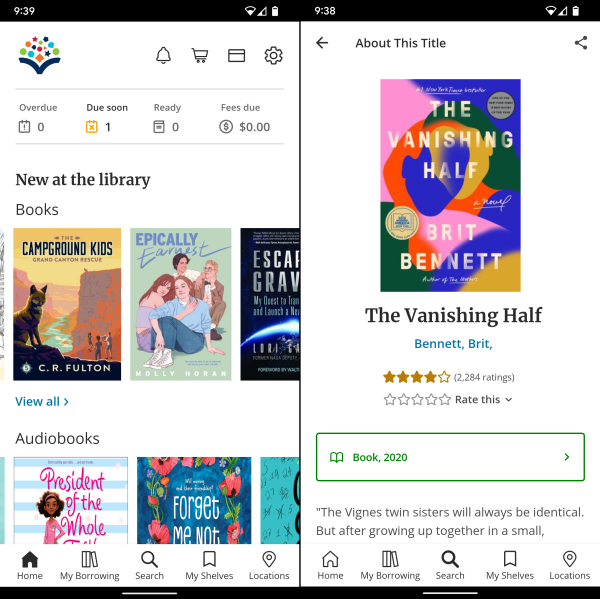 The catalog is also available as an app to help you easily find books, CDs and DVDs, place holds and manage your account from your device. The DBRL Mobile app is easy to navigate and full of useful features: