
Wool Theme Selected for Fifth Annual Quilt Exhibit
Every year, curator Mindy Smith selects a different aspect of quilting to feature at the annual quilt exhibit at the Columbia Public Library in April. “Having this exhibit at the library, provides such a good learning opportunity to help everyone more fully appreciate this form of expression,” said Mindy. “So this year, wool is the featured element, and we are opening the entries up to include coverlets and hooked rugs in addition to quilts.”
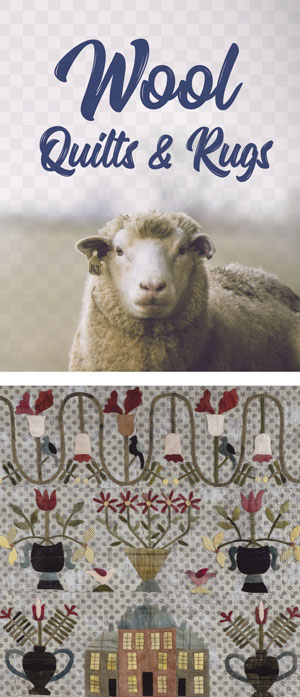
Submissions are being accepted for consideration December 1, 2018 through March 3, 2019. Use this form to submit.
Quilts, coverlets and hooked rugs that you have made, inherited, purchased or been given may be submitted. Be sure your piece has a 3-inch sleeve attached for hanging.
Quilts and Coverlets
For this exhibit, quilt tops may be constructed entirely of wool blocks, have cotton background fabric with wool applique or be a combination. Quilts must have a top, a back and batting in between. Coverlets may consist of a quilt top only or a quilt top and backing without the batting in the middle.
Hooked Rugs
Rugs submitted should be hooked entirely with wool. Hooked rugs with a pattern similar to quilts are preferred, but not required.
Quilt artist Mindy Smith will select the pieces to be displayed April 18-May 13, 2019. If you have questions, contact Mindy at bymindysmith@gmail.com.